Short guides to the features riders love — and the ones that aren't obvious at first. Start with trips; it's the idea that ties Trailmark together.
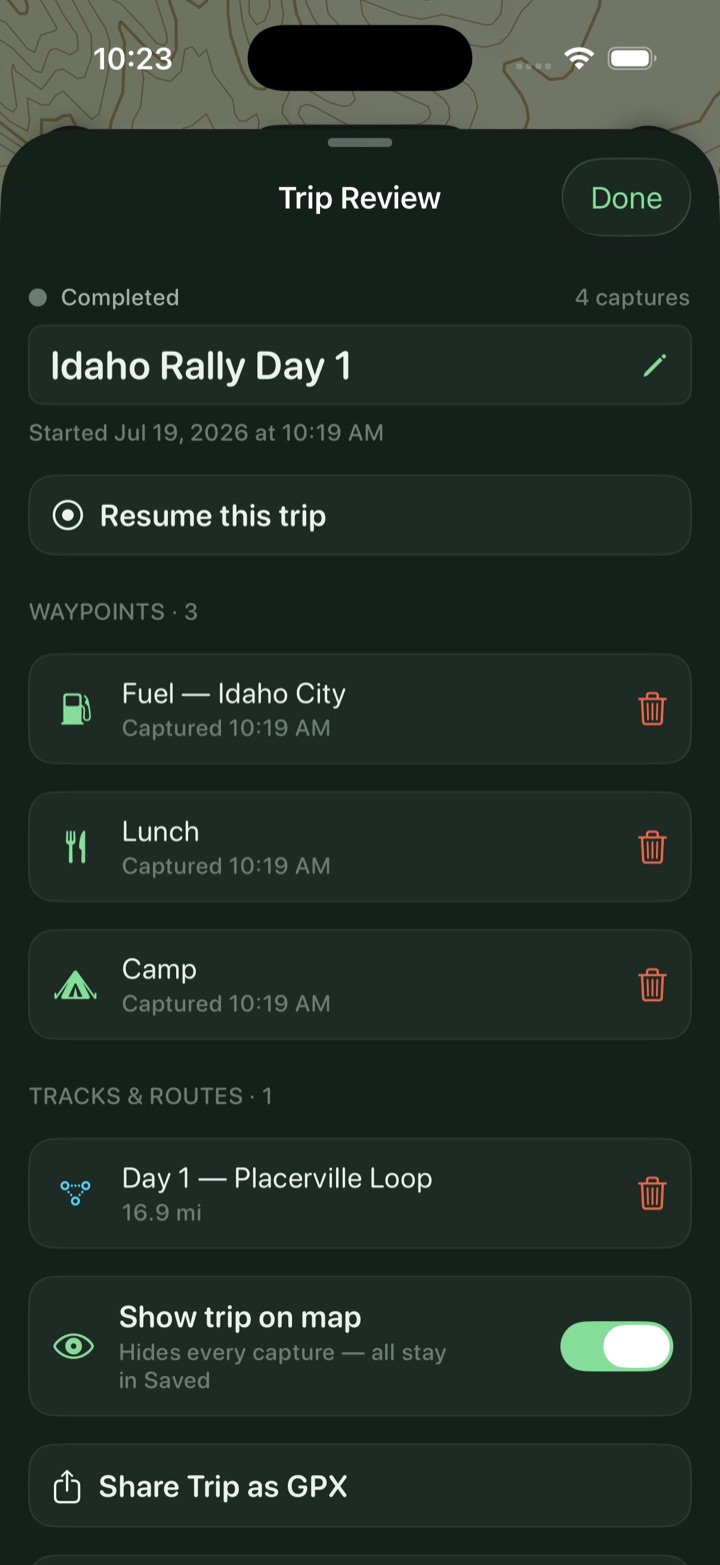
This is the part people miss at first — then can't ride without. Tap Start a trip and from that moment every waypoint and every recorded track files itself under that trip. No folders, no tidying. At camp you open the trip and the whole weekend is in one place.
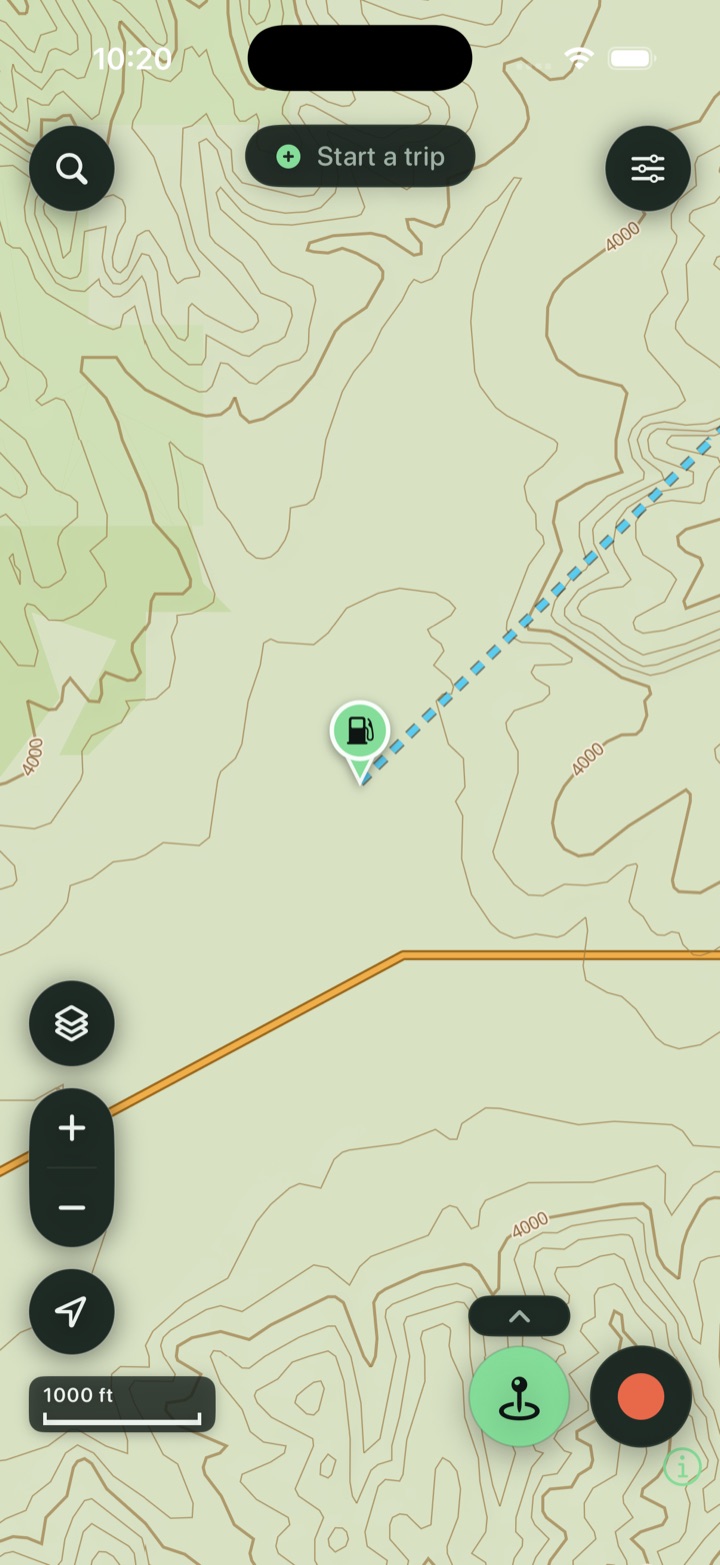
Trailmark's default base is a vector topo that renders on your phone — sharp at every zoom, with contours, terrain, and public land. Download any of the 50 states once and the map, search, and tap-to-identify all keep working in airplane mode.
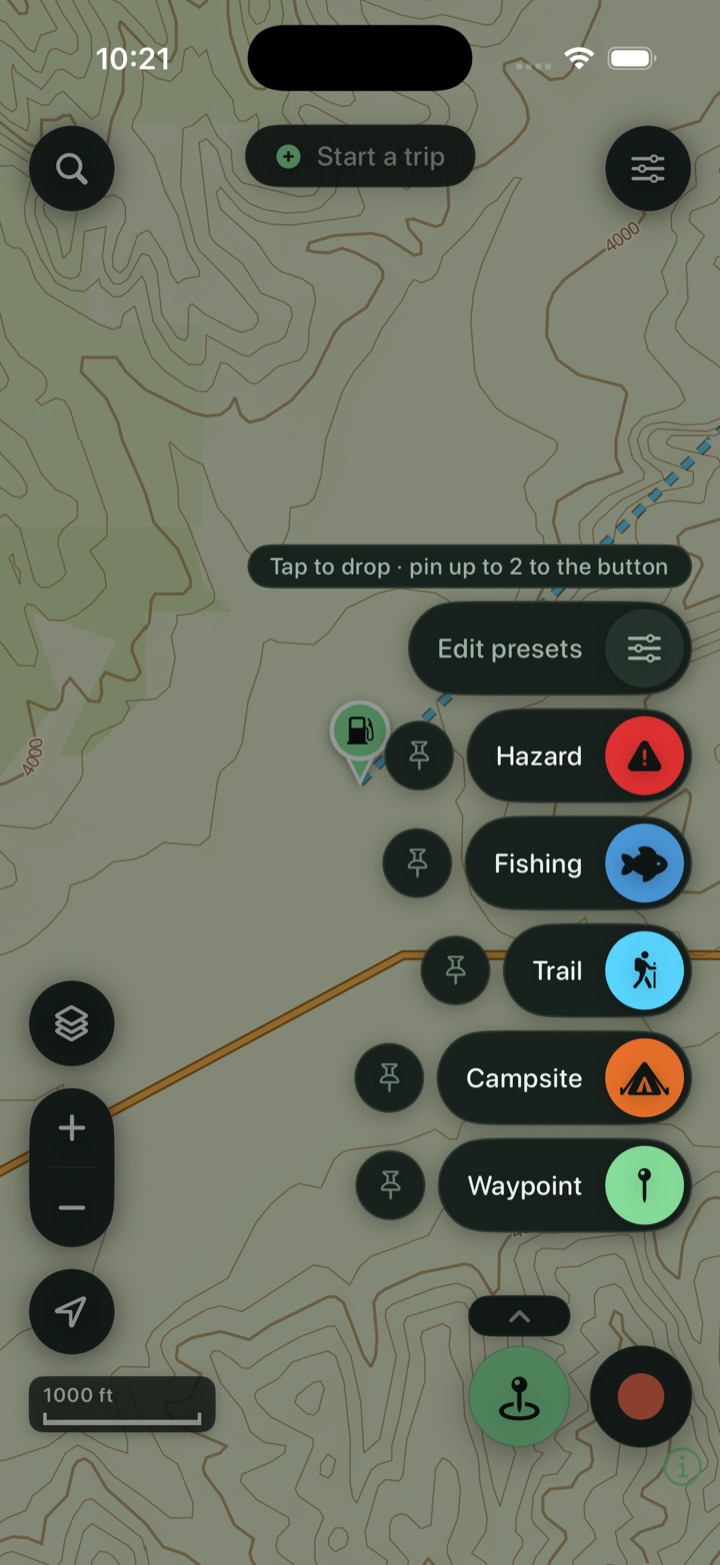
Mark what you see the instant you see it — a campsite, a washout, a great overlook. Pin your two most-used presets to the button so a fuel stop or a camp is a single tap.
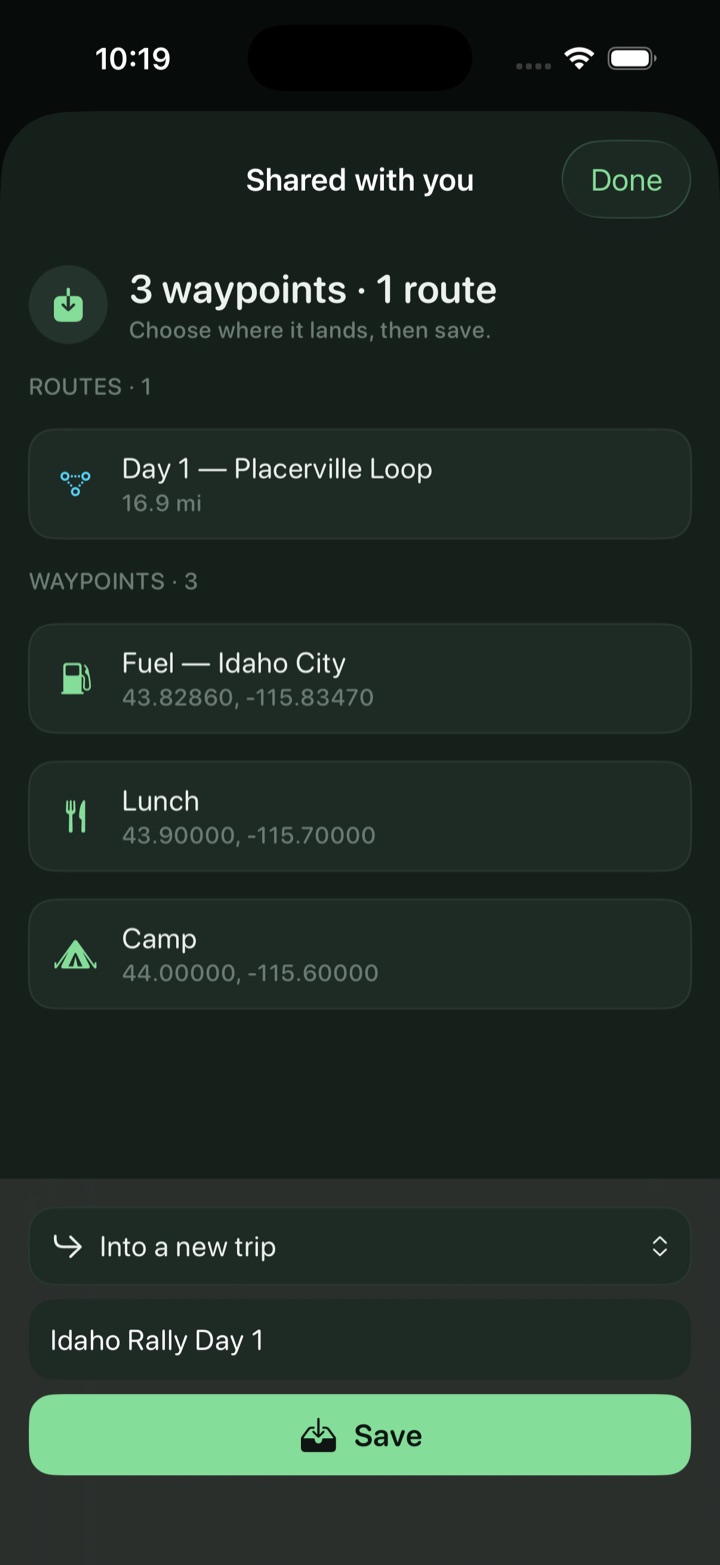
Switching apps shouldn't cost you years of pins and tracks. Trailmark imports GPX, GeoJSON, KML, and KMZ and keeps your colors, routes, and icons. From Gaia, the GeoJSON “All Data” export carries the most; onX GPX works too.
Pick a Quick Set — Overland, Moto/OHV, Hike — then tap any road, trail, or parcel to identify it, including who owns the land. 14,000+ USFS campgrounds and trailheads are already on the map nationwide.
Tap the red Record button for live distance, climb, moving time, and top speed — on screen and on the Dynamic Island. Lock the phone; it keeps recording, and recovers your track if the phone dies.
Drop points and snap to the road-and-trail network, get an elevation profile, then follow the line with off-route alerts that buzz before a wrong turn costs you ten miles.
Tap a lake or river for seasons, limits, and special rules — 11 states and growing; tap a gauge for live flow and a wading read, anywhere in the US. Watch an Idaho water to get a heads-up when it's stocked.
Saved → Export all data writes one file with everything — waypoints, tracks, trips, photos, settings — or turn on iCloud backup. Restore on a new phone by importing; nothing is lost.
No account, no cloud, no tracking. Everything lives on your device and works in airplane mode once your state is downloaded — the backcountry doesn't get a signal, and neither does Trailmark need one.